VIEWER FEEDBACK
Mode IPTV reviews and shared experiences
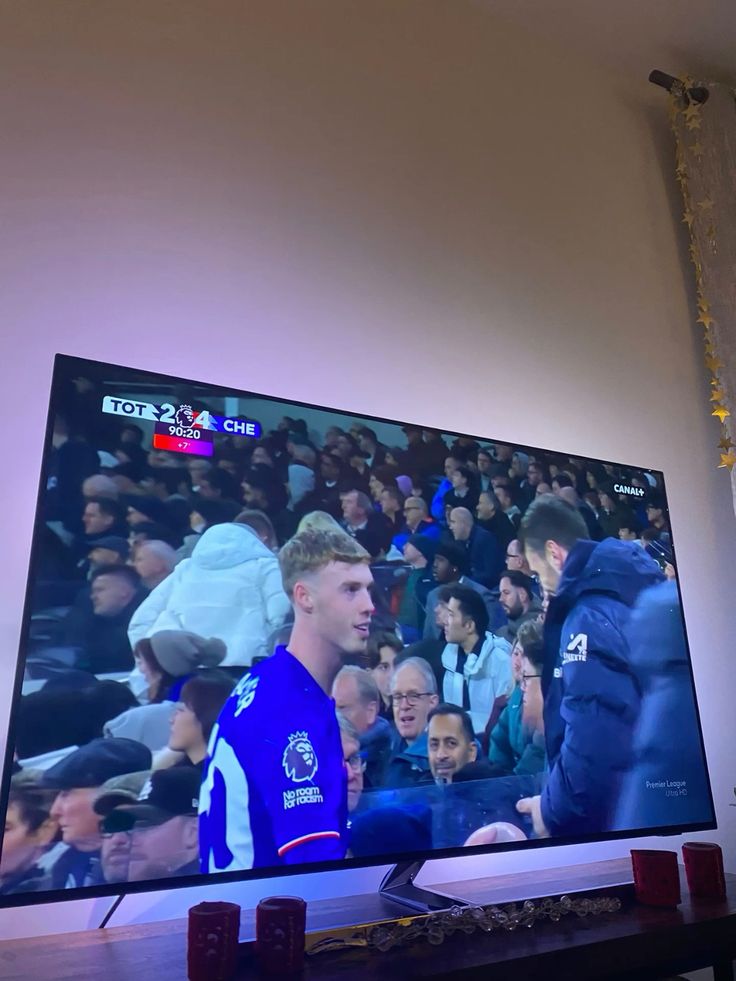
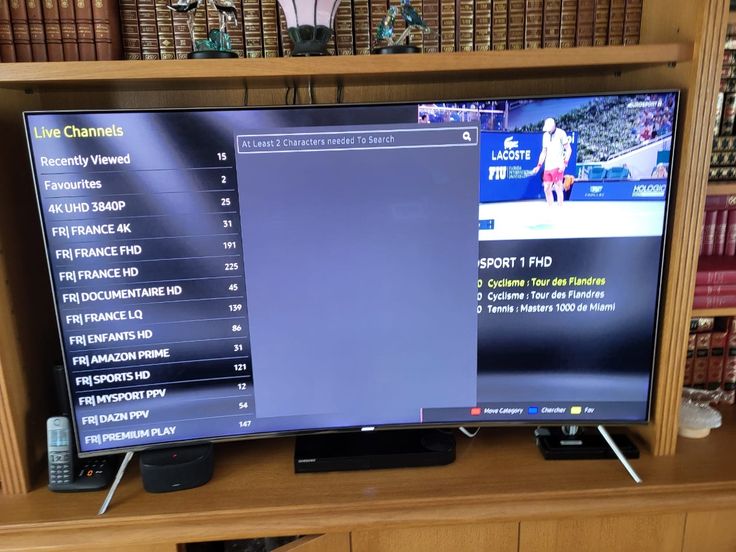
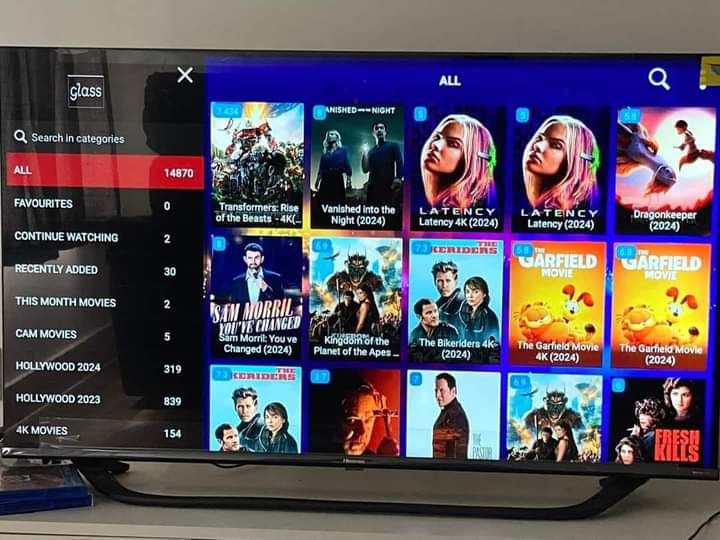
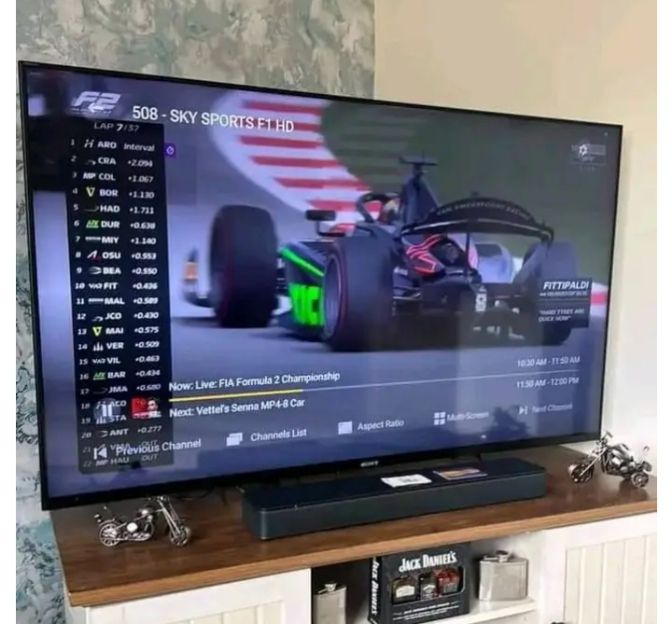
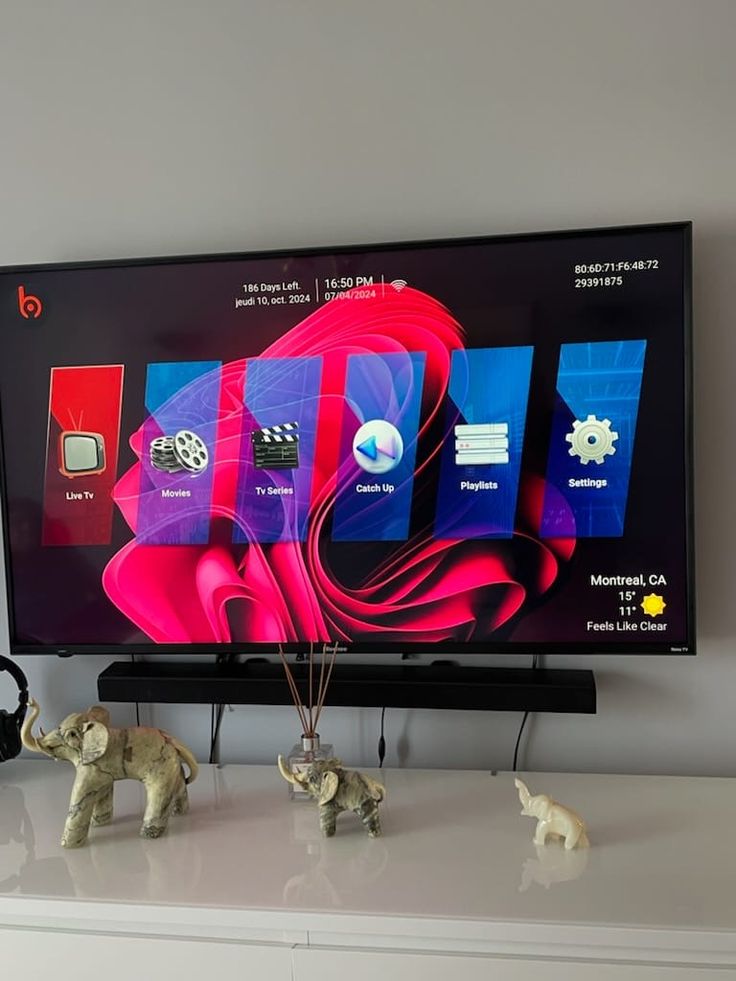
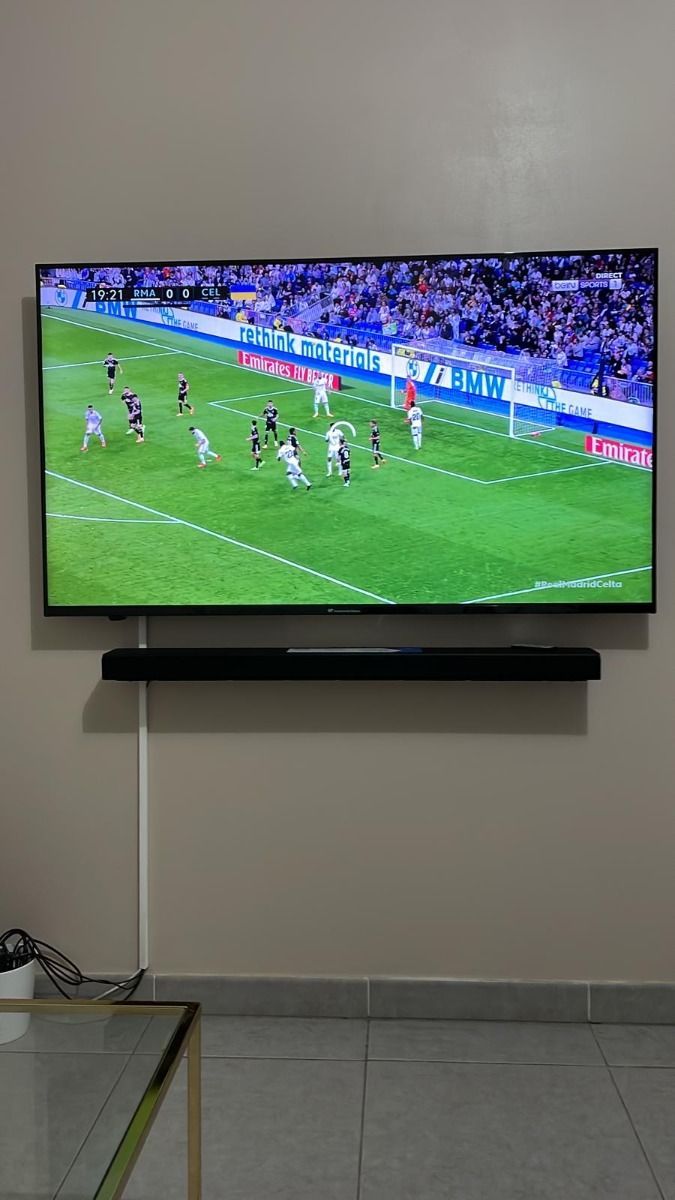
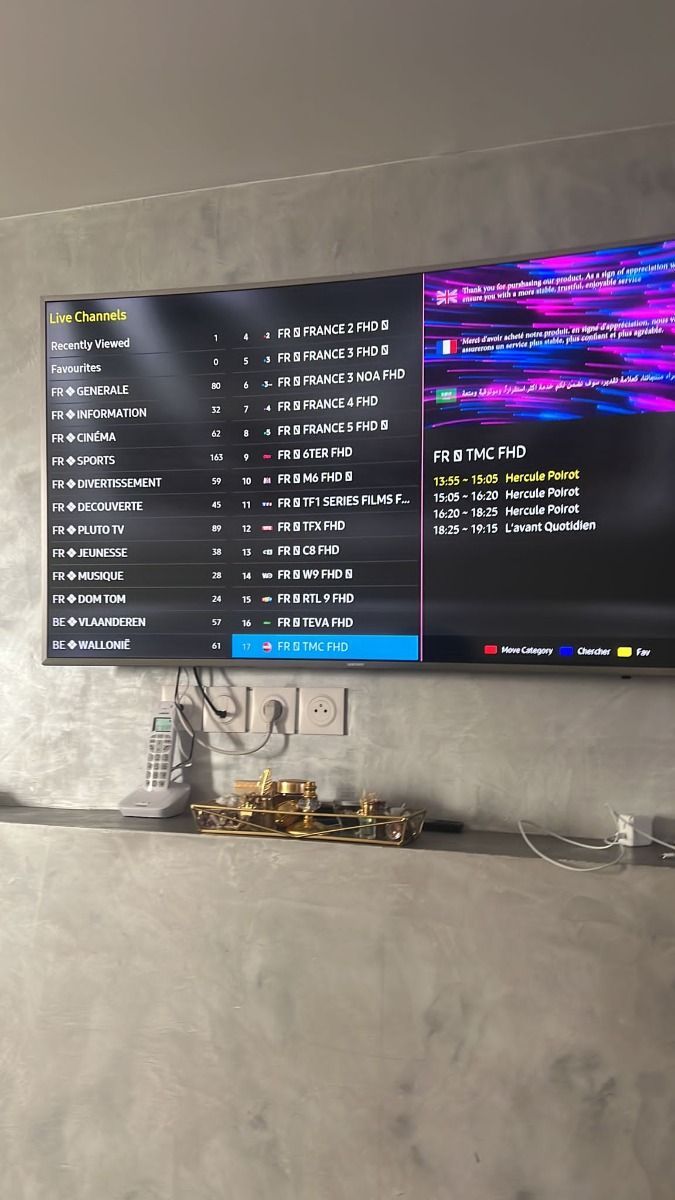
Browse the seven review screenshots supplied with the project. They are presented as provided, without invented names or rewritten testimonials.
PROVIDED SCREENSHOTS
Explore the original feedback
Images retain their proportions so the original messages remain readable. Personal claims should be checked against the source material.
BEFORE YOU BUY
Questions that matter
What kind of customer support can I expect?
The support team is available for 16 hours each day through WhatsApp. Send your device type, the app you use, and a short description of the issue so the team can guide you. Support can assist in English, German, French, and Spanish.
How does support and payment work for a subscription?
Start a conversation through the contact link. The team can answer setup and plan questions, then provide the available payment instructions. Check the final plan, device count, currency, and total before making a payment.
What devices can I use with Mode IPTV?
Mode IPTV can be set up through compatible player apps on many Smart TVs, Fire TV devices, Android boxes, phones, tablets, and computers. Player availability and activation methods depend on the device and app. See the installation guide for device-specific steps.
What channels and content are described in the plans?
The supplied service catalogue lists international live TV, sports, and an on-demand movie and series library. Channel lineups and individual titles can change. Ask support to confirm any must-have channel or event before you order.
THE NEXT STEP
Find the plan that fits
Review fixed totals and the number of simultaneous screens before you choose.